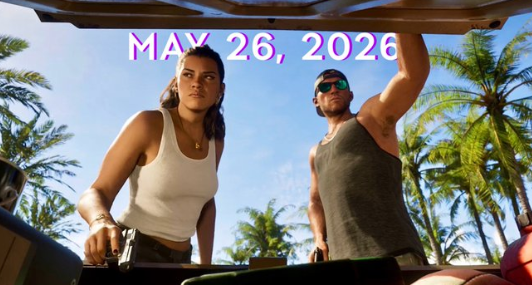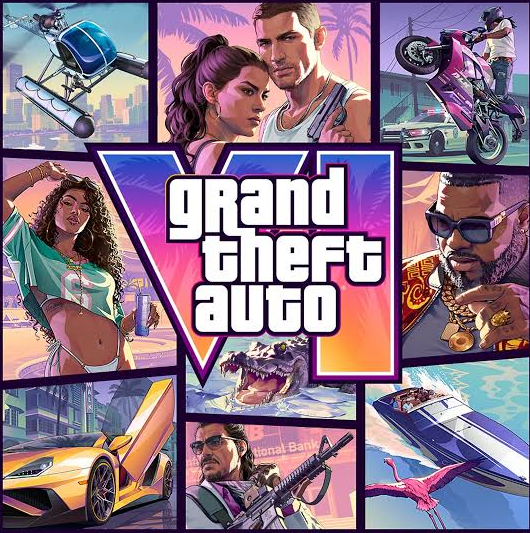
Rockstar lists November 19, 2026 as the release date for Grand Theft Auto VI on PlayStation 5, Xbox Series X, and Xbox Series S. The official listing also says preloading begins November 10. If you’re deciding whether to preorder, check two things first: the exact model of your console and whether it can use the copy you’re looking at.
Which platforms are confirmed for GTA 6?
| Platform | Status as of November 6, 2026 |
|---|---|
| PlayStation 5 | Confirmed for November 19 |
| Xbox Series X | Confirmed for November 19 |
| Xbox Series S | Confirmed for November 19 |
| Windows PC | No release date shown on Rockstar’s official GTA VI listing |
| PlayStation 4, Xbox One, Nintendo Switch 2 | Absent from Rockstar’s launch lineup |
The easiest mistake is confusing Xbox One S with Xbox Series S. The word Series matters. Rockstar’s announcement covers the Series S, while the Xbox One S belongs to the Xbox One generation. If you’re buying a copy for someone else, ask them for the full console name before placing the order.
Can Xbox Series S owners buy a physical copy?
Xbox Series S is digital-only. If you own one, choose a digital copy compatible with your console. A physical disc requires a compatible drive. The same purchase check applies to a PS5 or Xbox Series X setup without a usable disc drive.
If you buy digitally, check the account, store region, and edition at checkout. That’s especially helpful if several people share the console or if you browse both U.S. and Canadian store listings. Use the storefront associated with the account that will own the game, and check the total in your local currency. If you’re choosing between editions, compare the extras you’ll actually use before paying for a more expensive version.
Is GTA 6 coming to PC on November 19?
Rockstar’s listing gives no PC release date. The November 19 launch covers the announced console versions. Owning a Windows PC or using the Xbox app on Windows doesn’t make the Xbox console listing a PC release confirmation.
If you’re waiting for PC, look for an announcement that explicitly names Windows PC and gives release details before paying for a listing that claims to offer a PC copy. If you’re curious about the difference between Microsoft’s desktop app and its console ecosystem, see Enzvia’s guide to the Xbox PC app update.
How to prepare your console for the GTA 6 preload
Rockstar lists November 10 as the start of preloading. Check your console’s store or library for the download option and any timing details that apply to your edition and region. A preload lets you download files ahead of release. The November 19 date is the scheduled launch date.
Before downloading, take a few minutes to prepare:
- Check the current storage requirement on the product page. Use the figure shown for your platform and compare it with the free space on your console. The capacity printed on the box doesn’t tell you how much space you have left.
- Make space before the download starts. Review the games and captures taking up the most room. If you decide to remove a game you can reinstall, check that you’ve selected the game installation and that your save data is where you expect it to be.
- Check where the game will install. If you use additional storage, confirm that the selected drive can run games for your console generation. A drive that can store a game for later transfer may have different requirements from one you can play it from.
- Update the console and check the download queue. If you have a slow connection or share it with others, start the download during a quieter window. Check the queue later so a paused download or another game update doesn’t surprise you on launch day.
What if your platform isn’t listed?
If you have a PS4, Xbox One, or Nintendo Switch 2, the official launch list gives you no release to plan around on that device. If you’re considering a new console, check the exact model, storage, and game format you want to use before buying. That will help you choose a setup you can use for your other games as well.
For more platform explainers and practical walkthroughs, browse Enzvia’s Gaming guides.
Sources: Rockstar’s official GTA VI listing · Xbox Series S hardware and disc compatibility